

How to set up a Google Business Profile

Wonderful World of Websites | Website Wonder Woman

Have you been told that you should have a Google Business Profile? They are especially handy for local businesses, but they can benefit everyone, and they are really easy to set up.

All you need is a Gmail account, and if you don't have a business account, a personal Gmail account is fine, or it's easy to create a free account. Oh, and I forgot to say, a Google Business Profile is free to have!

Google My Business Profile for Wonderful World of Websites

Google Business Profile Set Up

Once you have a Google Business profile, it will then take you through a series of questions such as the name of your business, a brief description, opening times, website address (important!) and your address. If it's not a physical address that you have (i.e. you run your business online) then you can add an area you cover.

Location Matters

I know for a lot of us online entrepreneurs, we can work anywhere, but using a physical location will increase your views. When I moved to my office and put in an address, over the next few months, my views on my Google Business profile dramatically increased. The reasoning behind this is that when people are typing in things on their phone, such as 'website designer near me', Google knows where I am and shows me in the listings. But even if you cover an area such as South Wales and put that in it will still increase your views.

Google Business Profile images and information

You can also add photos, if you have any, but once you have completed the basic infomation and submitted it Google will then send you a postcard to your actual address. This postcard will have a code on it so that you can verify that you are a real business and you are where you say you are. Make sure the information is correct as many people have their profiles removed as the details don't match, as they also use other ways of checking.

Once your profile has been verified, you will gain access to other information you can fill in, and it's advisable that you fill in as much as possible, especially in the description and services, so that you will show up for those words when people search for them in Google in your area.

Google Reviews

Google reviews are also an addition to your Google Business profile, and once set up, people can leave you reviews. Obviously, as Google is showing your business profile in the search engine listings, it's also a good place for reviews to show up with it, so that potential clients don't have to go searching for them.
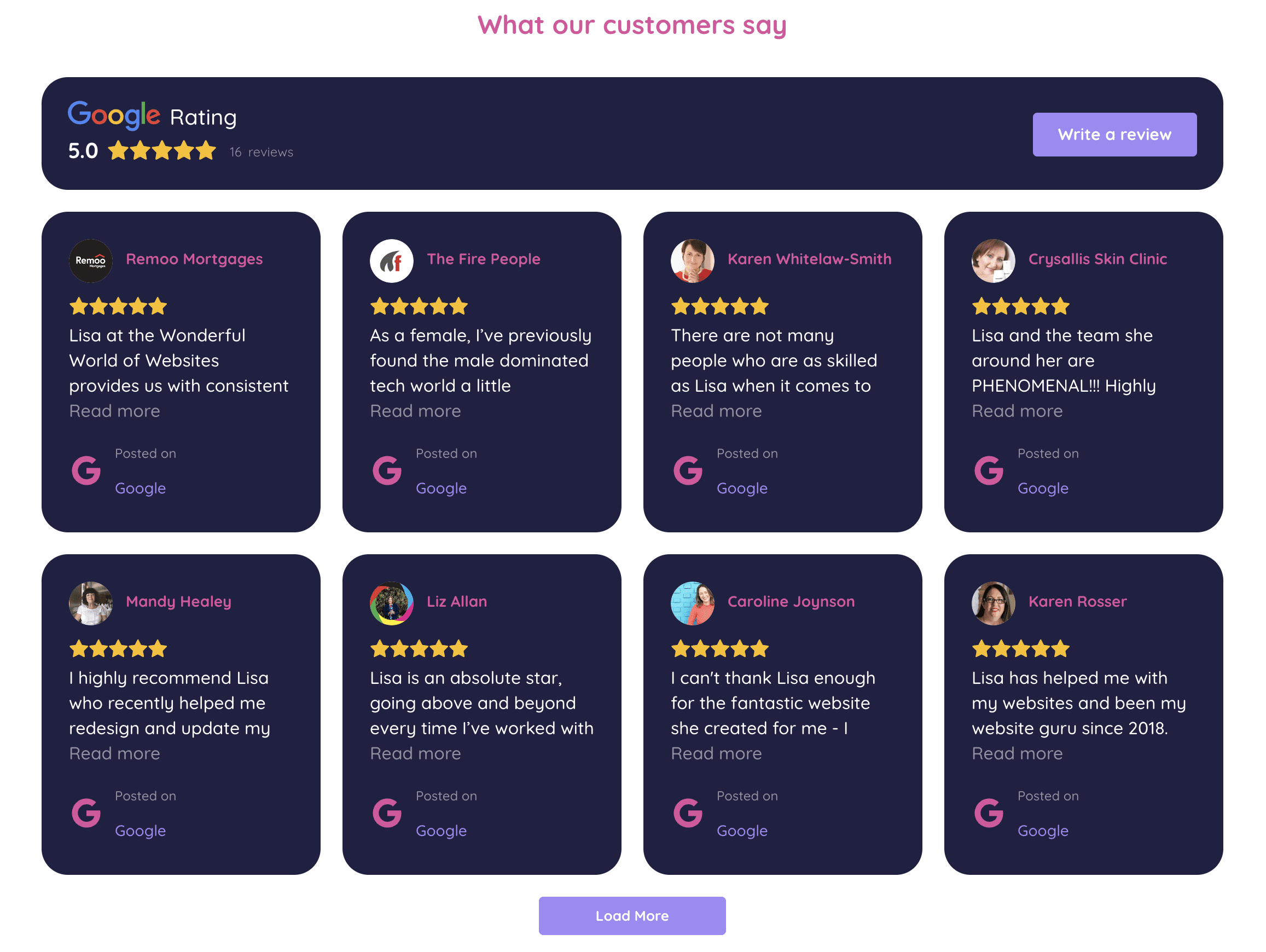
Google Business Profile reviews page for Wonderful World of Websites

You can also use widgets on your website to showcase your Google reviews, and because it's connected to Google, they automatically update. I use Elf Widget for mine, which is free for up to 200 views a month, but they also have low-cost plans for more views. When you are close to your view limit, they will email you and, if you don't upgrade, the widget will just disappear from your site until it rolls over to the next month's allowance.

The really cool thing is that once the widget is on your website, you can direct people to the review section to add their review, and it will then add it to your Google Business profile. Why is that cool? You can then redirect people who are going to write your reviews to your website, thus increasing your website traffic and pushing you up the rankings in Google.

Google Business profile - maps

People can also then find you on google maps and you can use the Google Map API to add maps to your website, if you have a physical location you want to direct people to. I also search a lot what's in an area so you would come up in those searches as well.

Google My Business Google Map for Wonderful World of Websites

Google Business Profile - Updates

There is a section on your Goolge Business profile where you can add updates. Use this to advertise offers, announce new blogs and awards you may win. Keep adding information regularly, it show you are a genuine, current business and will therefore drive the Goolge algorithms to promote your business.

If you need help with any of this then feel free to book in an hourly support bundle, which you can use for done for you work and training.

Help ChatGPT find your website a laptop with a megaphone coming out of the screen

I know that sounds ridiculous, but spend a few minutes browsing small-business websites, and you will see why it matters.

For example: A homepage might say: "Helping you achieve your goals." That's great, but what goals? Who are you helping?

A web visitor might work it out from the logo, photographs and navigation. Machines have less tolerance for ambiguity.

Compare that with: " We provide commercial cleaning services to offices, schools and healthcare businesses across South Wales."

Suddenly, there's much less to decipher. Who are you? A commercial cleaning company. What do you do? Clean commercial premises. Who for? Offices, schools, and healthcare businesses. Where? South Wales.

Clear website copy isn't unsophisticated copy. If you want to help ChatGPT find your website, clarity can be a big advantage.

3. Create Proper Pages for Your Main Services

One mistake I regularly see is businesses trying to squeeze everything they offer onto one service page. Imagine a building company offering extensions, loft conversions, kitchen renovations, and garage conversions. Giving each important service its own useful page creates far more context than mentioning all four in a short bullet list.

A strong page can explain:

  • what the service involves;
  • who it is suitable for;
  • common questions customers ask;
  • the process;
  • relevant experience;
  • examples of completed work;
  • geographical areas covered.

This is not only useful information for potential customers, but also useful for conventional SEO and will help ChatGPT find your website and understand exactly what your business provides.

However, a word of caution. The important word here is useful. Creating 30 near-identical pages simply to target 30 slightly different phrases isn't the answer. Websites are ultimately for people, so create pages because you have something worthwhile to tell them.

4. Answer the Questions Your Customers Really Ask

3d speech bubbles with Q & A in them for Help ChatGPT find your website blog

This is where good blog content becomes particularly valuable and can help ChatGPT find your website.

People often interact with ChatGPT and other AI bots in a conversational way. Rather than searching for something like: "loft conversion Cardiff", they might ask "Do I need planning permission for a loft conversion in Cardiff?" or "Is my house suitable for a loft conversion?". You get my drift.

Think about the questions customers ask you on the phone, in emails, during quotations, or at meetings. Those questions can become extremely useful website content. And don't limit yourself to just obvious FAQs. Some of the best content comes from the questions that require actual expertise to answer: comparisons, costs, pitfalls, misconceptions, alternatives, and situations where one option is better than another. That is where your knowledge becomes valuable. Put that into blogs, and it will help ChatGPT find your website.

5. Don't Just Say You're an Expert - Demonstrate It

Almost every business website claims some variation of: "We pride ourselves on providing a professional, high-quality service." The problem is that anybody can write it. Evidence is much more persuasive.

If you want to help ChatGPT find your website and understand why your business might be a credible source, then you need to give your website substance.

That could include detailed case studies, named authors with relevant experience, customer reviews, original photographs, accreditations, qualifications, awards, research or data you've produced, and genuinely knowledgeable articles/blogs.

A case study saying: We recently completed this project for a client in Newport", isn't particularly informative. Explain the problem. What did the customer need? What did you recommend? Why? What difficulties arose? How did you solve them? What was the outcome?

That is useful information for humans, and it gives search and AI systems considerably more context about your real-world expertise.

6. Make Your Location Clear

Naturally, this is particularly important for local businesses.

If you are an electrician serving customers across South Wales, make that clear on your website. Your address, service areas, and contact details shouldn't require detective work to find.

Your About and Contact pages can reinforce where you are based, while individual service pages can naturally explain areas you cover. However, avoid creating dozens of thin location pages where the only difference is swapping one town name for another, like "Electrician Newport", "Electrician Cardiff", and "Electrician Cwmbran."

That's not useful content. If a location genuinely warrants its own page, give the reader something specific and worthwhile.

7. Build Your Reputation Beyond Your Own Website

Your website doesn't exist in isolation.

If you claim to be a leading expert in your field but nobody else on the internet appears to know you exist, that's not a particularly convincing signal. Therefore, I want you to think about your wider digital footprint.

Are you listed accurately on relevant professional or industry websites? Have local publications mentioned your business? Do reputable websites link to you? Are there genuine customer reviews? Have you contributed expert comments or guest articles elsewhere?

You see, digital PR, quality guest blogging, and traditional link building still have a place. However, the aim shouldn't be to scatter links across hundreds of low-quality websites to help ChatGPT find your website. On the contrary, it's to build a recognisable business with a credible online presence.

8. Write Content Worth Citing

Graphic woman sat at a computer with pages of content coming out of it

This may be one of the biggest opportunities created by AI search.

If everybody writes a generic article called "10 benefits of X", then there is very little reason for any search or AI system to favour yours above the others. To help ChatGPT find your website, you need to give it something better:

Share your experience.

    • Explain what customers commonly get wrong.
    • Compare two approaches and say when you'd choose each one.
    • Publish original examples.
    • Answer awkward questions.
    • Discuss pricing honestly where possible.
    • Challenge a commonly repeated piece of industry advice if you disagree with it – and explain why.

The internet doesn't desperately need another 800-word blog saying the same thing as the previous 100 ones. What it does need are people who actually know their subject sharing information that isn't available everywhere else. Tricky, yes. Impossible, no.

9. Don't Forget Traditional SEO

As I mentioned right at the beginning of this article, trying to help ChatGPT find your website doesn't mean forgetting Google and other search engines. In fact, as I'm sure you've realised by now, many of the fundamentals overlap.

You still need a technically sound, crawlable website with logical navigation, descriptive page titles, useful headings, strong internal links and well-written pages focused on genuine customer needs. Ultimately, your content should make sense to a person first; I always stress this to my clients. There is little to be gained by contorting every single paragraph into something you imagine AI or search engines want to read.

Cater for your customer. Ensure your website clearly explains who you are, what you do, where you operate, and why you know what you're talking about. That's what they need to know, and by doing that you are already building a much stronger foundation for both traditional and AI-driven searches.

Help ChatGPT Find Your Website - But Write For People

Help ChatGPT find your website a 3d graphic of a person in front of a laptop with books and text

AI is changing how people discover information online, but that doesn't mean websites suddenly need to be written for robots. Quite the opposite. After all, humans, your potential customers, are asking ChatGPT the questions. So, if you want to help ChatGPT find your website, you must make it clear, informative, and more authoritative for the people you're trying to reach.

Follow the guidance listed above. None of it is particularly technical (save point 1); it is simply about making sure you have good website content. The difference is that today, a well-written website isn't only helping a potential customer decide whether to contact you; it may also help ChatGPT find your website and decide whether or not to list it in response to a query, ultimately driving fresh traffic your way.

If you would like help reviewing your website content, or creating quality blogs that appeal to both humans and bots, please do not hesitate to get in touch. My name is Heather, and I'm The Content Creator.

Heather the Content Creator A lady with blonde hair in a bob, smiling, wearing a black top

A bit about the author

Heather founded The Content Creator nearly three years ago, combining her love of writing with a genuine passion for helping small businesses and solopreneurs get seen online. She supports her clients with everything from website copy and SEO to AI search visibility, newsletters and social media, taking the stress out of creating content that not only sounds like them, but helps their business grow.

If you need a helping hand with any of these areas, Heather is your go-to girl! We can speak from experience, too, because she works on our own website, helping us keep up with the ever-changing world of SEO and AI search and making sure our content continues to work hard for our business.

MORE ABOUT HEATHER